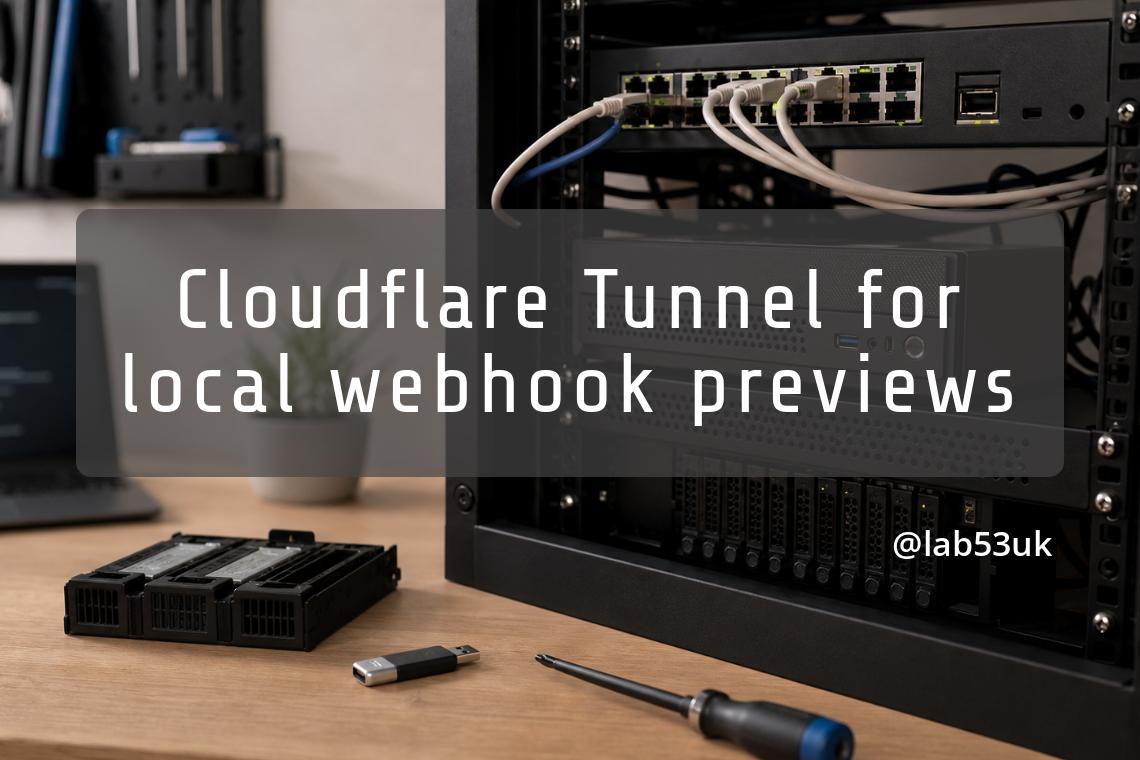
Cloudflare Tunnel for local webhook previews
Webhook testing falls apart fast when the callback target lives on localhost. External services cannot reach it, and the usual workaround is some form of tunnel or reverse proxy. Cloudflare Tunnel now fits directly into local development flows through Wrangler and the Vite plugin, which saves a bit of setup friction and a fair amount of faffing about with port forwards.
For short-lived previews, the public address can be disposable. For anything that needs a fixed callback URL, the hostname needs to stay put. That split matters more than the shiny preview link.
Why local webhook testing breaks down without a public endpoint
A webhook sender needs a reachable URL, not a dev machine with a browser tab open. If the endpoint changes every time the server restarts, every callback registration turns into a minor maintenance task.
That is tolerable for a one-off test session. It becomes a nuisance when a third-party service stores the callback URL and expects it to keep working. The failure mode is simple enough: the service keeps posting to an old address, your local server is listening somewhere else, and the test session dies quietly.
Quick tunnels for short-lived previews
A Quick tunnel gives you a random *.trycloudflare.com hostname for temporary access. That is fine for a preview that only needs to exist for the length of a debugging session. It is less useful when another service must keep calling the same callback URL after the tab has been closed and the kettle has boiled.
The upside is speed. The downside is hostname stability, which is exactly what webhook testing tends to care about once the first request has worked.
Named tunnels when the callback URL must stay put
A named tunnel reuses an existing tunnel and gives you a stable hostname. That makes it a better fit for webhook endpoints, device testing, and anything else that needs a fixed address rather than a fresh one every time.
It also gives you a cleaner access boundary. If the tunnel is meant for a test session rather than public use, the hostname can be kept stable and restricted instead of being shared as a throwaway link.
Running the tunnel from Wrangler or Vite without fighting the dev server
Cloudflare has folded tunnel sharing into local development rather than making you stop the server and run a separate sidecar process. That matters because dev servers tend to be fussy enough already.
Wrangler and the Cloudflare Vite plugin both support starting a tunnel while the local development server is running. The public URL appears without needing to rebuild the whole setup around it, which is the sort of small convenience that saves time every week.
The keypress path in Wrangler and Vite
The control is deliberately low ceremony. Press t in Wrangler while the dev server is running, or press t then Enter in Vite. The tunnel starts from the live session rather than from a separate command line dance.
That makes sharing a preview less like infrastructure work and more like a temporary state of the server. For short test runs, that is enough. For anything persistent, the named tunnel path is the one that matters.
Locking the preview down with Cloudflare Access
Quick tunnels are convenient, but they do not give you the same access controls as an existing named tunnel. If the URL is going to be used beyond a private test session, that difference is hard to ignore.
Cloudflare Access can restrict access to a named tunnel. That is the practical boundary here: a stable hostname for the callback target, plus access control for the people or devices that should reach it. For local webhook testing, that is the cleaner arrangement. A random public URL is fine until it is not, which is usually when someone pastes it into the wrong chat.