Automating Your Home with AI: A Practical Blueprint for Local Control
I keep home automation local where I can. It gives me predictable latency, better privacy control and fewer cloudy failure modes. This comes down to local AI home automation, sensible network layout and firewall rules that do not get clever for the sake of it.
Setting Up Your AI Home Automation Environment
Choosing the Right Hardware for Your Setup
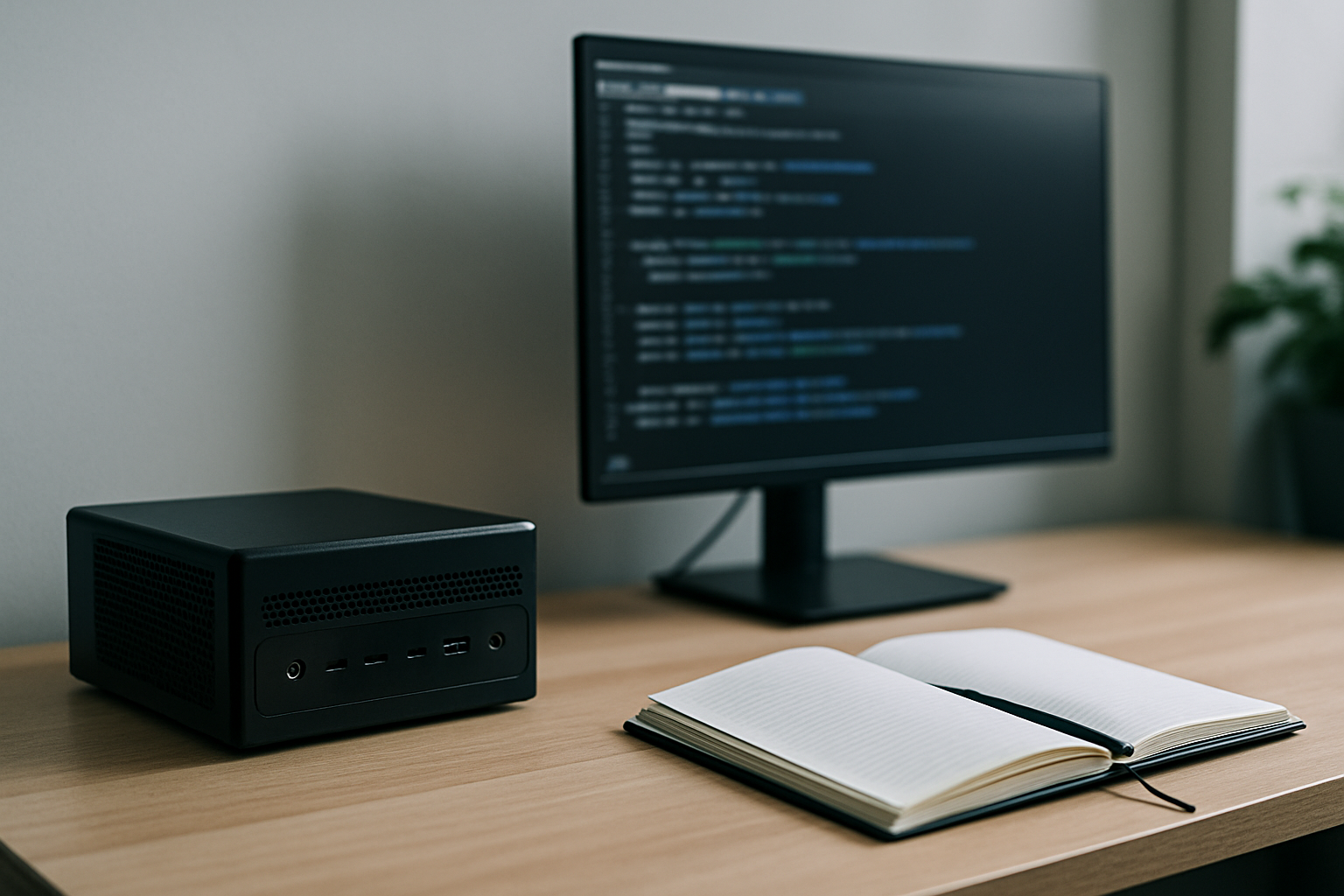
- Pick hardware for the workload. A Raspberry Pi 4 with 4–8 GB handles Home Assistant and light automations. Use an Intel NUC or small x86 mini PC if you plan to run local machine-learning models or plenty of containers.
- Keep storage on a fast SSD. SD cards do not hold up well under constant writes.
- Use wired Ethernet for hubs and controllers. Wireless is fine for battery sensors and devices that cannot be cabled.
- If you want offline AI inference, budget for a small accelerator such as an Edge TPU or Coral, or a machine with a decent CPU and enough RAM. The more local processing you want, the more hardware it takes.
Installing Necessary Software and Tools
- The stack I use is Home Assistant, an MQTT broker such as Mosquitto, Node-RED for logic, and Docker for anything else. Run them in containers or separate VMs if you want cleaner isolation.
- Use DHCP reservations so devices keep the same IP. That makes firewall rules simpler and more reliable.
- Run a local model runner only if you need low latency or offline use. Keep the model storage and runtime behind your LAN firewall.
Configuring Network Settings for Optimal Performance
- Segment the network. Put IoT devices on one VLAN and trusted devices on another. Keep Home Assistant and the MQTT broker on the trusted VLAN or a management VLAN.
- Keep firewall rules simple: let the trusted VLAN reach the services it needs, and restrict the IoT VLAN to only what it uses.
- Reserve IPs in the router or DHCP server. Use DNS names in configs rather than hard-coded IPs where possible.
- Enable QoS for voice or media streams if the router supports it. It helps keep latency steady for voice interactions.
- Document the layout: VLAN IDs, subnet ranges, reservations and which machine runs which service. That makes later changes less painful.
Implementing Firewall Rules for Security
Understanding Basic Firewall Concepts
- Default deny is the safest simple posture. Block inbound traffic from WAN by default. Allow only the ports you need.
- Think in zones: WAN, LAN-trusted, IoT and guest. Decide which zone can talk to which service, and on what ports.
- State tracking matters. Allow established and related connections, and block new inbound attempts unless they are specifically allowed.
Creating Custom Rules for Your Devices
- Start with a policy of deny incoming and allow outgoing. Open only what is needed from there.
- Example using UFW:
sudo ufw default deny incoming
sudo ufw default allow outgoing
sudo ufw allow from 192.168.10.0/24 to any port 8123 proto tcp  # Home Assistant from trusted VLAN
sudo ufw allow from 192.168.20.0/24 to 1883 proto tcp      # MQTT from IoT VLAN
sudo ufw deny from 192.168.20.0/24 to 192.168.10.0/24 # block IoT VLAN to trusted VLAN- Example nftables snippet for a management host:
table inet filter {
chain input { type filter hook input priority 0; policy drop;
  iif "lo" accept;
  ct state established,related accept;
  ip saddr 192.168.10.0/24 tcp dport 22 accept;
  ip saddr 192.168.10.0/24 tcp dport 8123 accept;
}
}- Use device IP reservations and optional MAC filtering to keep rules stable. Do not rely only on MAC addresses for security; they can be spoofed.
Testing and Troubleshooting Your Firewall Configuration
- Test from a client on each VLAN. Use curl or a browser to hit service ports. Example:
curl -v http://192.168.10.5:8123- Scan from a safe machine with nmap to confirm only the ports you expect respond:
nmap -Pn -p 22,8123,1883 192.168.10.5- Check firewall logs with:
sudo ufw status verbose
sudo nft list ruleset- If a device stops working after a rule change, revert and reapply rules in small steps. Big changes are harder to untangle.
Maintaining Security Over Time
- Patch regularly. Keep Home Assistant, the OS and containers updated on a schedule you control.
- Back up firewall rules, Home Assistant YAML or snapshots, and Docker Compose files. Keep the backups off the device but still inside your local network, or in encrypted cloud storage.
- Watch the logs and set alerts for repeated failures. Fail2ban or simple log watching will catch brute-force attempts.
- Review rules every few months. Devices come and go. Remove stale rules that point at retired IPs.
Best Practices for AI Home Automation Security
- Avoid exposing services to the WAN. Use a VPN for remote access instead of opening ports.
- Limit IoT device access to the bare minimum. Many devices only need outbound DNS and access to an MQTT broker.
- Harden privacy settings on devices and services. Disable cloud features if local control does the same job.
- Keep a single point of trust: your Home Assistant instance or a gateway that enforces policy. If that machine is compromised, the rest of the setup is in trouble, so protect it properly.
- Use automation blueprints to record network and firewall patterns. Treat them as code: version them and test changes in a lab before they go live.
Takeaways
- Design the network first. VLANs, DHCP reservations and documented IPs make firewall rules manageable.
- Default deny. Open only what you need and test every rule.
- Use a VPN instead of port forwarding, and keep AI processing local when latency or privacy matters.
- Back up and patch on a schedule. Review the rules regularly.