
SOPS v3.13.3 released on 23-07-2026
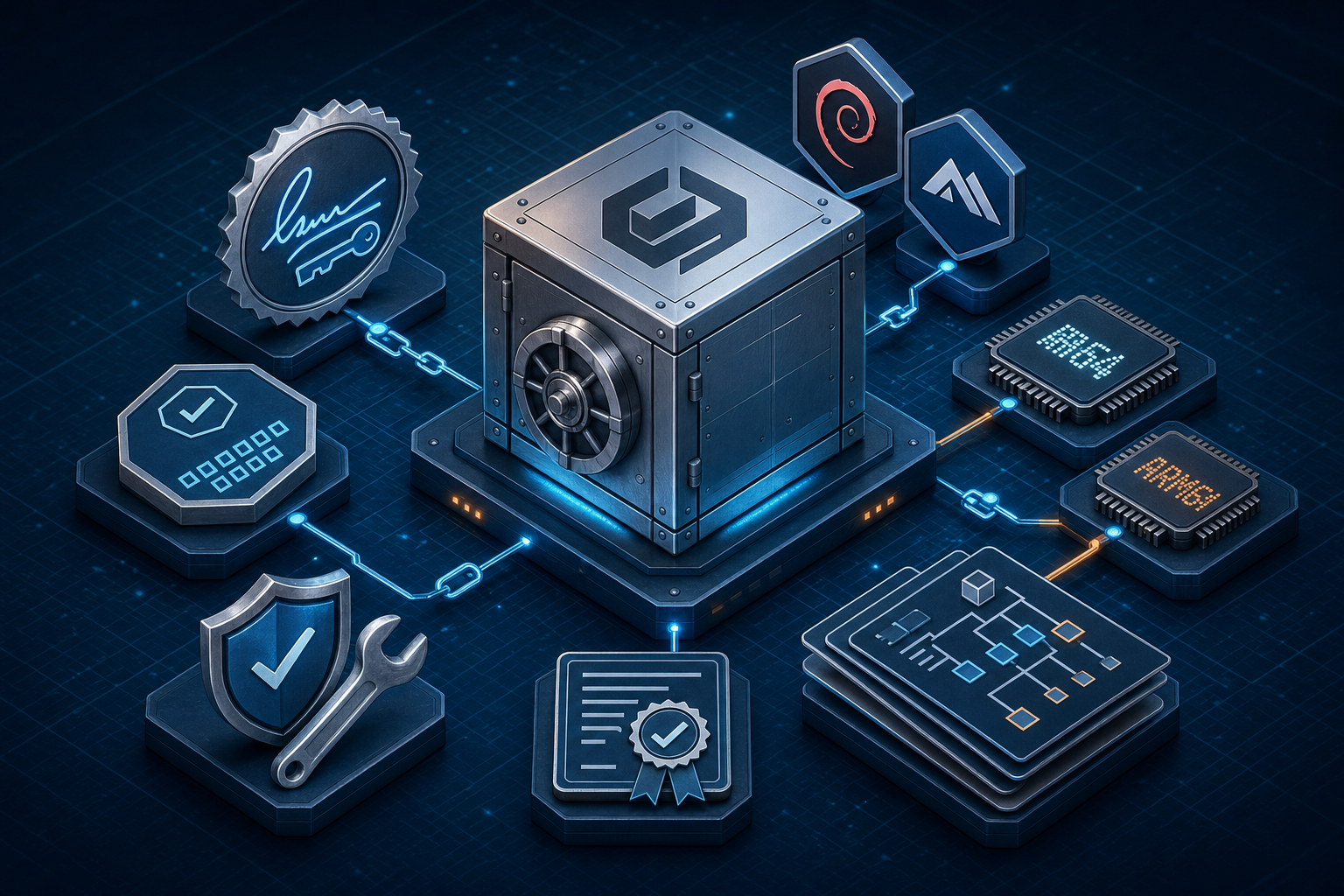
SOPS v3.13.3 is out now. It documents how to install and verify pre-built binaries, publishes signed container images with provenance, and includes SBOMs for audited distribution.
Download the release assets and follow the verification and installation instructions on the project’s GitHub release page; checksums, Cosign bundles, provenance and SBOM files are included with the artifacts.
What’s in this release
- Installation and binary verification: example steps for Linux AMD64, moving the binary into PATH and making it executable, plus integrity checks using the signed checksums file with Cosign (GitHub OIDC) and validating the downloaded binary with sha256sum.
- Container images and image verification: Debian-slim and Alpine images for linux/amd64 and linux/arm64 available on ghcr.io and quay.io (Debian includes key-service dependencies; Alpine is smaller). Images are signed with Cosign and include SLSA provenance for verification with slsa-verifier.
- Provenance and SBOMs: an in-toto SLSA provenance file (sops-v3.13.3.intoto.jsonl) is provided for artifacts and can be used with slsa-verifier verify-artifact (with –provenance-path, –source-uri and –source-tag). SBOMs are supplied as SPDX JSON files named
.spdx.sbom.json. Notable changes: ini input/output support, a fix to include decrypted sequence comments in the MAC, removal of a leading newline from completion scripts, plus multiple dependency and CI updates; first contributions from @TheKhanj and @cbcoutinho are highlighted.
Upgrade notes
- No breaking changes are listed for this patch; verify the checksums file with cosign verify-blob (using the provided bundle and certificate identity/OIDC issuer) then run sha256sum -c sops-v3.13.3.checksums.txt before replacing an existing binary.
- If you need to roll back, reinstall the previous release binary from the project release artifacts (for example v3.13.2) and consult the full changelog for differences.
Share any comments on your experience with the installation or verification steps on the GitHub release page or with the project maintainers.

