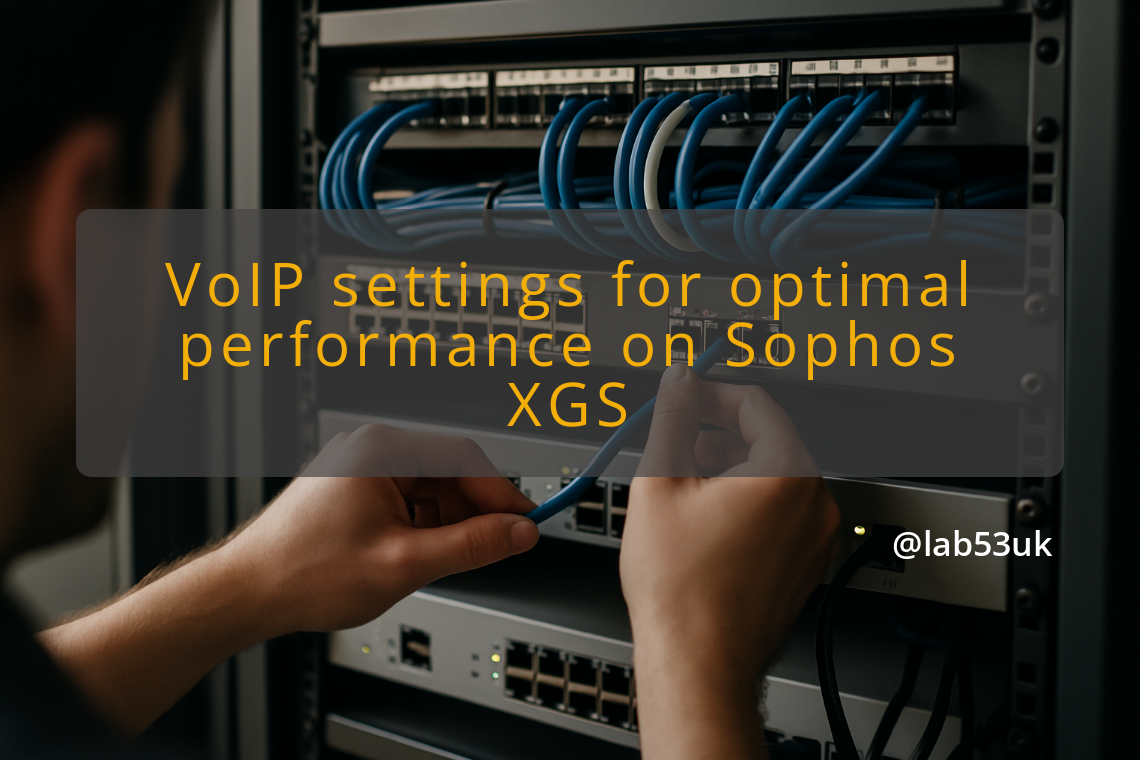
Reliable voice on a Sophos XGS starts with a tight rule set. Let the firewall pass only what the phone system needs, give voice traffic priority, and check the result instead of trusting the config on paper. I use an XGS 118 here, but the same approach works on any XGS. The work sits across firewall rules, application filters, QoS, and traffic management.
Start with the current layout. Check NAT, public IPs, VLANs, and where the PBX or phones sit. Work out which devices handle signalling and which handle media. For SIP, the signalling ports are usually 5060 for UDP or TCP and 5061 for TLS, as set out in RFC 3261 RFC 3261. List every IP and port the trunk or SIP provider needs. Do not guess the media ports. Check the RTP or media ranges in the PBX or handset docs and write them down.
For the first firewall rules, keep things tight. Create explicit LAN-to-WAN rules for SIP signalling to the provider IPs and ports. Add a separate rule for the PBX media range to the provider. Keep DNS (53), HTTP/HTTPS (80, 443), and any management ports in their own rules. Lock management access to one admin IP or a management VLAN. If you use the per-zone allow-any-to-WAN shortcut, pair it with strict application filters and logging so you do not quietly open more than you meant to.
Application filters cut down the mess. Sophos application filters can block peer-to-peer apps or classify Teams and Zoom. Attach the filter to the same firewall rule that permits conference apps, rather than opening wide port ranges. For traffic management, put the phones and PBX on a separate VLAN and give them a dedicated policy. Create shaping rules that match the VoIP settings from the PBX: source IPs, UDP or TCP ports, or DSCP markings from endpoints. I mark media flows as high priority and keep signalling in a lower priority queue that still gets through. For DSCP, tag voice media with EF (46) and signalling with a lower AF value. Keep the queues simple: one priority queue for voice, one for interactive apps, one best-effort queue for everything else. If you use Sophos traffic shaping, give voice a fixed slice of the WAN link so a large file transfer does not flatten calls.
QoS only helps if you can see what it is doing. On the XGS, create a QoS policy that matches your voice flows and set the queueing to suit. Test with phones that set DSCP and with devices that do not. If endpoints do not mark traffic, have the firewall mark it on egress. Test SIP ALG too. It can work in simple NAT setups, but it often mangles SIP headers for modern providers, so switch it off and see what changes. Watch live sessions in the XGS logs and capture packets when calls fail. For call quality, keep one-way delay well under 150 ms and jitter under about 30 ms where you can ITU G.114. Packet loss on the voice path should stay under 1%.
After that, test the lot. Run SIP registrations, make inbound and outbound calls, and check for one-way audio. Use periodic RTP captures and measure MOS or, at the least, latency, jitter, and packet loss. If calls are choppy, raise the reserved capacity for the voice queue, or push non-essential conference traffic down the list. When a provider changes ports or an app update alters media ranges, update the firewall rules and filters rather than broadening them until everything fits. A short rule set still does the job: specific allow rules for known IPs and ports, application filters where they make sense, and traffic management that gives voice a fair slice of the WAN.