Gateway API v1.6 stops UDP feeling like an awkward add-on, but only if the listener, parentRefs, and backendRefs all agree. I like that TCPRoute and UDPRoute are finally stable, though the controller still has to do the actual work, and that is where things usually go wrong.
Boundary design in water sector OT is where secure connectivity principles stop sounding neat and start mattering. I care less about tidy diagrams than about the point where a path can actually hurt you, because that is usually where the weak assumptions live.
Private 5G deployments look neat until one site, one link or one timing source takes the strain. I care less about the brochure and more about what happens when backhaul fades, certificates expire, or the core limps along, because that is where availability stops being a number.
Private 5G resilience does not come from a cheerful dashboard or a nice radio map. I want to see where the attach failed, which path dropped, and whether the core is quietly spoiling the whole thing; otherwise you are guessing, and guessing is a poor plan when the network is already sulking.
Cloudflare Radar AS routing looks tidy until you remember it is built from observed BGP paths, not the whole internet. I trust it most when a chart looks awkward, because that is usually where the real routing habits show through.
I prefer keeping the Cloudflare Mesh container image beside the app, not baked into it. The Pod stays clean, the app stays ignorant, and the irritating bit lives where it can be replaced without dragging the whole workload through another join cycle.
Gateway API TCPRoute finally gives raw L4 routing a proper shape, without the usual controller-specific nonsense. I like it because it stays plain, listener attachment is explicit, and you are not pretending TCP or UDP know anything about headers they cannot see.
Cloudflare One Client for Windows now leaves DNSSEC records alone, which is exactly the sort of change I like, because it stops the client quietly meddling with answers. I have seen enough broken name resolution to know that a neat tunnel can still hide a messy DNS state.
Cloudflare One Client for macOS can make a short hostname behave very differently, and most of the pain sits in the suffix list rather than DNS itself. I have seen perfectly sane machines fail because the profile looked tidy on paper and was quietly wrong in practice.
`route_controller_route_sync_total` is one of those rare counters that tells you something useful, if you bother to watch it. I use it to catch route reconciliation that is chewing through cloud API quota for no good reason, long before the cluster starts complaining.
Cloudflare Radar MRT Explorer keeps the awkward part local, which is usually where it belongs. I prefer that to uploading a route dump to somebody else’s parser and hoping it comes back in one piece.
Kubernetes Service externalIPs has always been a bit too trusting for my taste, and 1.36 finally starts treating it that way. If you still rely on it, now is the time to move the address ownership somewhere saner, before kube-proxy stops pretending the old arrangement was ever a good idea.
Blocking AI traffic starts at the resolver, not the firewall. I’d rather break a query cleanly with DNS filtering than watch it slip through a public resolver and look ordinary, which is exactly why Pi-hole, Unbound, and a few blunt rules do most of the work.
A proper network blueprint is mostly unglamorous discipline, VLANs with a job, DNS that stays in its lane, firewall rules that mean something, and DHCP reservations that do not rely on memory. Get that wrong, and the first odd device will expose it.
Most home routers allow everything outbound by default, which is exactly how AVRecon persisted undetected for six years. A stateful firewall with explicit outbound rules and network segmentation closes that door; residential proxy detection starts with knowing what your devices actually need to connect to.
I use Packet Capture in Sophos Firewall WebAdmin every week. It is the quickest way to see what the firewall actually sees. I capture traffic on the appliance, download the PCAP, and check it in Wireshark when I am chasing network faults or odd security logs. Start in WebAdmin, open Diagnostics, then Packet capture. Pick […]
Learn how to set up a reliable DNS server for your home lab using minimal hardware and software. This guide provides step-by-step instructions for a seamless experience.
Sophos XGS Firewall: optimise VoIP settings for reliable calls. Start by mapping your NAT, public IPs, VLANs, and ports. Lock firewall rules and allow only required SIP and RTP ranges. Mark media traffic for priority and set QoS with fixed bandwidth for voice. Test registrations, capture RTP and monitor latency, jitter and packet loss.
I get asked this a lot. Someone turns up with a spreadsheet of 200 MACs and IPs and wants those turned into static IP-MAC reservation entries in a Sophos firewall without an afternoon of clicking around. I use three routes: convert the sheet to Sophos-compatible XML and import it, use the Sophos API if the […]
Route VLAN traffic through an IPSec Tunnel via head office to a client. You get commands, routing and NAT rules, and test steps to confirm your return paths. Keep configs small; test each change. Monitor MTU and phase 2 selectors to prevent stalls.
Fixing Common Wi-Fi Configuration Mistakes in Your Home Network I fix home networks for a living. I prefer quick, verifiable fixes over guesswork. The same mistakes keep turning up, and the error text usually points straight at them if you bother to write it down. What you see Error messages on devices Common exact errors: […]
DoS flood settings on a Sophos XGS can look like packet loss in odd places. Streaming stutters, online games lag, and a speed test that should sit near 1 Gbps can fall to about 60 Mbps once protection starts biting. I have also seen YouTube playback lose thousands of packets. That sort of drop is […]
Unlock the full potential of your office network with the Sophos XGS88. This guide covers essential setup tips, VPN configuration, and best practices for optimal performance.
Resolve your Sophos SD-RED 20 internet connectivity issues with our practical troubleshooting guide. Identify common error messages, check connectivity statuses, and run essential diagnostic tools. Follow step-by-step instructions to verify your static IP configuration, firewall settings, and ISP requirements, ensuring a swift return to reliable...
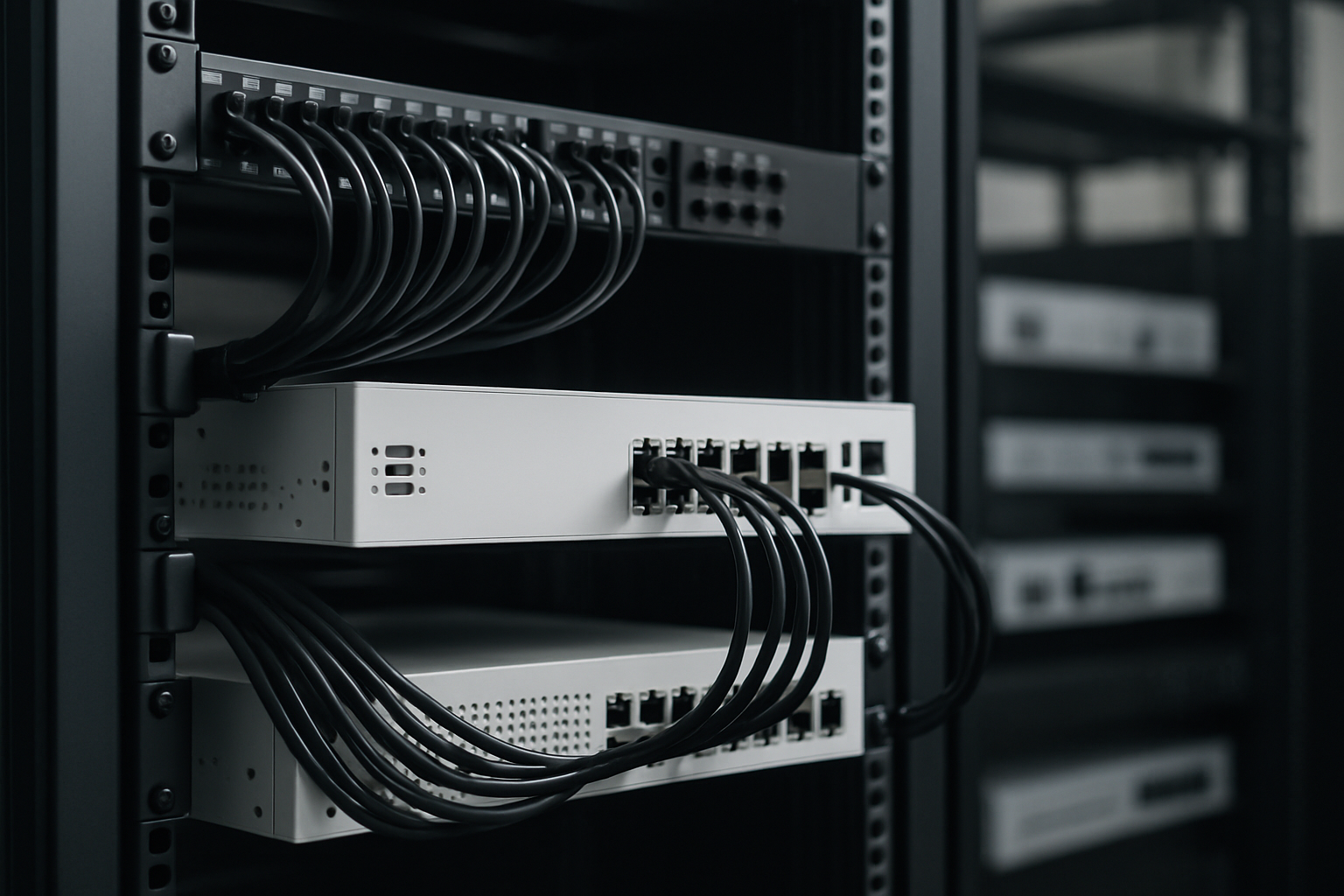
Learn how to transform your Sophos XG into a dedicated wireless controller with comprehensive guidance on setting up network policies. This article covers essential configuration steps, including factory resets, access point onboarding, and firewall rules, ensuring efficient management and seamless operation of APX access points within your network...
