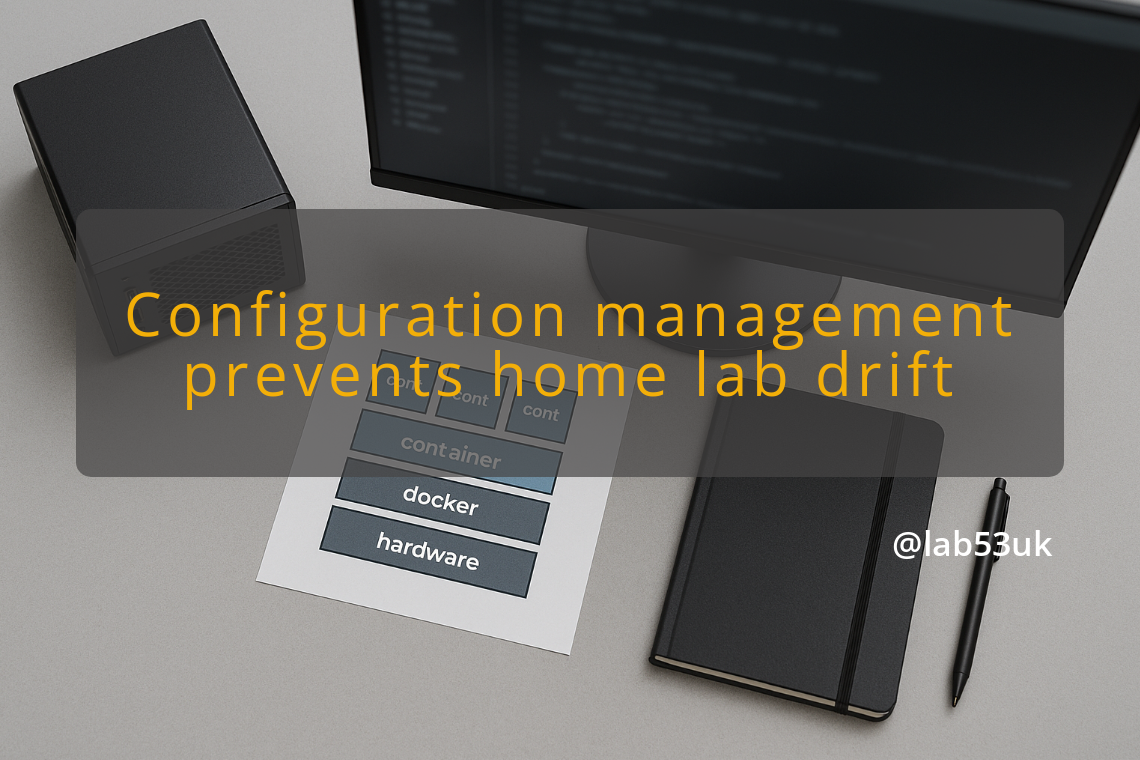
Configuration management prevents home lab drift with a home lab software stack
Cheap kit stays cheap only if the software side stays disciplined. A home lab software stack turns into a mess when settings live in web forms, one machine at a time, with no record of what changed and why.
Drift starts quietly. You change a firewall rule to get one service working, then forget to write it down. You tweak a DNS record because the old one broke, then add another fix in DHCP so the lease hands out the right address. A month later the lab still boots, but the layout no longer matches the plan. Rebuild it and the rot shows up in minutes.
Manual changes pile up fast. One-off fixes become the new baseline. That is how a small gap turns into a stack of awkward exceptions across VLANs, DNS, and DHCP. It looks harmless until you need to restore something from scratch and discover that half the logic lived in your head, which is a rubbish place for infrastructure to live.
Configuration management is the first control that keeps the stack honest. Put host settings, service config, firewall rules, and package state in source control. Keep the live system close to the files you would use to rebuild it. Ansible works well for this because it can state what a machine should look like and keep applying that state. Puppet and Salt do the same sort of job if that is what you already know. The point is not the tool. The point is that the source of truth sits in files, not in memory.
Backup strategy is the next layer. Back up device state and lab data separately if you can. A backup of a VM disk is useful. A backup of the hypervisor config, router config, switch config, and DNS zone files is what saves time when a rebuild goes wrong. Test the restore path. A backup that has never been restored is just expensive optimism.
Snapshot policy gives you a fast rollback point, but it needs rules. Take snapshots before risky changes, then delete them once the system is stable again. Keep them short-lived. Snapshots are a safety net for change, not a parking space for old states. Leave them around for weeks and you get storage bloat plus false confidence. That is a fine way to make a small problem louder.
VLAN planning stops network changes from bleeding across zones. Write the plan down before you move a service. Give each VLAN a clear purpose, a clear address range, and a clear routing rule. Keep management traffic separate from guest devices and from anything you expect to break often. If the lab has no clean boundary, every later change takes longer because you have to check more places. Routing mistakes are very good at hiding until the wrong box loses access at 11 pm.
DNS and DHCP should stay tied to the same naming and address plan. If a host gets a static lease, document it in both places. If a service moves, update the record and the lease together. Pick a naming scheme and stick to it. A neat DNS zone with a chaotic DHCP range is just a lie with labels on it.
The stack that works is boring on purpose. Configuration management handles repeatability. Backups handle loss. Snapshots handle change. VLAN planning handles blast radius. DNS and DHCP handle identity and reachability. Leave any one of those loose and the lab starts drifting again.