authentik 2026 2 3: security and Django updates, OAuth2 and provider fixes, reliability and DB improvements, UI and docs enhancements
Caddy v2 11 3: security hardening, admin socket fixes, TLS ACME QUIC updates, reverse proxy and placeholder fixes, observability and UX tweaks, contributors
n8n release 2 20 6: patch fixes Salesforce node bug so triggers reliably fire on repeated record updates, ensuring workflows run consistently, commit f259afa

Traefik v3 7 1: Read migration guide, upgrade for CVE 2026 44774 fix, new CrossProviderNamespaces for k8s providers, CRD cross provider validation fix

Traefik v3 7 1: migration required, security fix CVE 2026 44774, new CrossProviderNamespaces for k8s providers, CRD cross provider reference check bug fixed
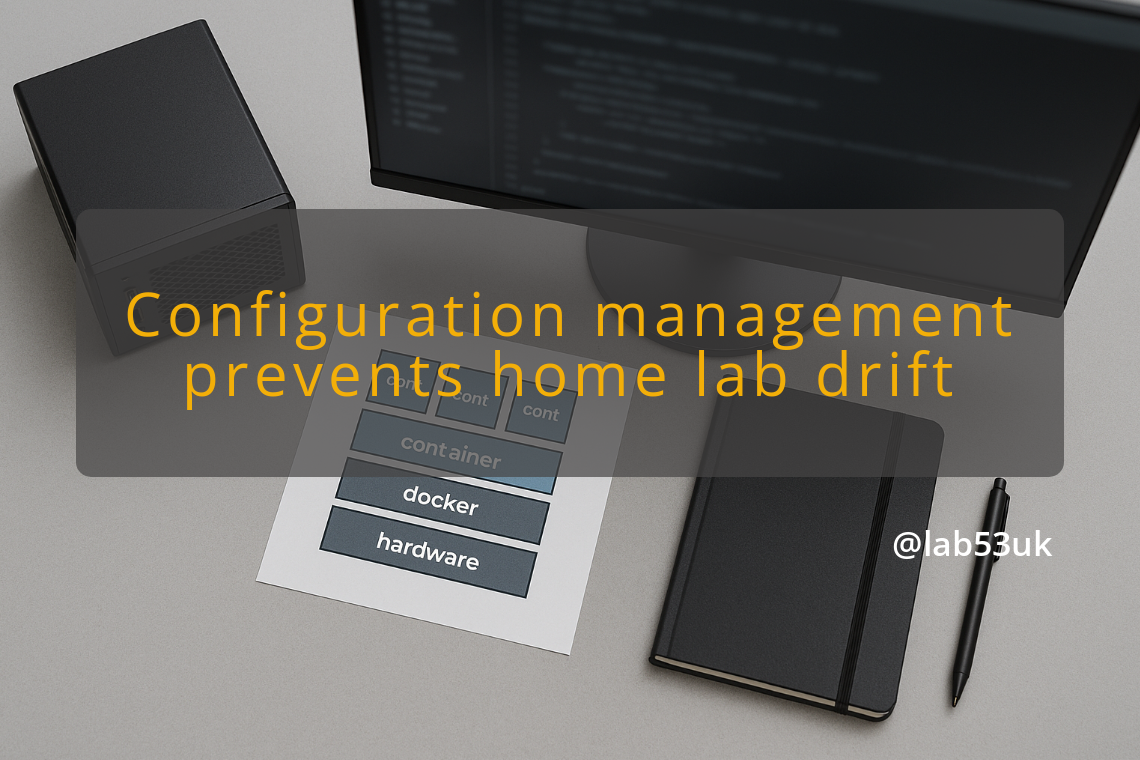
Cheap kit only stays cheap if the software side stays disciplined. A home lab software stack turns into a mess the moment settings live in web forms and half the logic sits in your head, which is a rubbish place for infrastructure to live.
A self-hosted inventory tracker only behaves if the data model stays boring, and boring is exactly what I want when I am digging out chassis numbers at 2 a.m. Keep the tags tight, the notes plain, and the attachments where you can actually restore them.
A 48-hour gap between exploit discovery and patch deployment is normal, not exceptional. Browser isolation in your homelab is not about making the browser safe; it is about making sure a compromised renderer cannot reach your services.
Encryption without object lock is a half-measure. A misconfigured script or compromised service account can still wipe everything, which is why S3-compatible storage on a homelab needs layered defence: encryption at rest, API-enforced write and delete rules, and backups that survive the worst realistic failure.
Vendor lock-in creeps in quietly: a pinned cloud dashboard, a backup tool in a proprietary format, a reverse proxy config hardcoded to an IP nobody wrote down. By the time you need to migrate, the compose file is the only thing you trust, and even that can lie to you.

Unlock the potential of your homelab with effective VLAN configuration. Learn practical steps to enhance security, streamline management, and ensure smooth network function.
Implement a Patch Management Strategy for your homelab by keeping an accurate inventory and prioritising updates for internet-facing and critical systems. Test updates in a sandbox, automate low-risk installs, use canary rollouts, and report outstanding critical CVEs weekly.
Discover essential tips for navigating Microsoft licensing in your homelab. Learn how to avoid pitfalls and maintain compliance while optimising your setup.
Turn Dell Chromebook 3100 units into cheap Chromebook thin clients for your home automation and remote desktop use. Record serials, remove school management, install Chromium OS Flex or minimal Debian, reserve DHCP addresses and use VLANs. Test browser and RDP performance before you deploy.
Learn to diagnose Proxmox disk usage for your Home Assistant VMs. Get the exact commands you need, check the qemu-guest-agent, and know when Home Assistant OS cannot report filesystem stats. Use qm agent get-fsinfo and df -h to confirm.
Set up GPU passthrough for Ubuntu 24.4 on Proxmox with clear, practical steps. Check IOMMU in BIOS, bind your AMD Radeon to vfio-pci, attach the PCI device to the VM, and install amdgpu in the guest. Use five checks to pinpoint issues.
Proxmox on Dell OptiPlex 3050: Use a 3050 Mini PC to run small VMs on NVMe with better single‑thread performance. You will adjust BIOS, configure LVM‑thin storage, set a bridged NIC, apply firewall rules, schedule backups and add simple automation.
Linux Lab Configuration: Start with hardware that fits your needs. Create install media and enable virtualization in firmware. Assign static IPs and separate traffic with VLANs. Apply strict firewall rules. Automate repeatable tasks. You must test each change from another host.

Plex blueprint: start on paper. Sketch your hardware, storage and roles. List the media types you want, expected streams and remote users. Choose a CPU for transcoding and put Plex data on a fast SSD, media on NAS. Configure libraries, set bitrate limits, enable hardware transcoding, automate backups and restores.
VLAN Configuration matters more in a home lab than most people admit. I use it to separate services, limit blast radius and keep curious devices off my core systems. This guide shows a practical VLAN plan you can build tonight. I give exact VLAN IDs, subnet ranges, device roles and simple checks to verify isolation. […]
Proxmox Storage Strategies matter on a NUC. I run Proxmox on small hardware all the time, so I will walk you through the choices, trade offs and a practical ZFS setup that fits a two‑slot NUC. I keep this hands on. No fluff. You will get commands you can run and checks you can make. […]
Proxmox Datacenter Manager gives you a single interface to monitor and manage multiple Proxmox nodes and clusters in your homelab. You will find steps to deploy PDM on a VM or LXC, create API tokens, isolate a management network, and run multi-cluster live migrations.
Discover the essentials of choosing reliable self-hosted accounting software for UK self-employed individuals, ensuring data control and efficient financial management.
Server Issues can spoil family movie nights. This guide tells you what to note, how to test and how to fix common faults. Record exact error lines, run quick server and network checks, change one setting at a time, then verify the stream for 15 to 30 minutes.
Setting Up a Mini Rack: Essential Software Configurations for Your Homelab I use a Raspberry Pi 4B in a compact rack to run local file services. This guide walks through the software setup I use for SyncThing and vsFTP. It gives commands, config snippets and testing steps so you can copy and adapt the setup […]
