Unlock the secrets to user retention in open-source software like n8n. Discover actionable steps to enhance workflows, streamline onboarding, and boost community engagement today!

Stay updated with the latest in tech! This digest covers AI ethics, auto industry shifts, and the impact of politics on technology, exploring today's pressing issues.
Set up MCP n8n automation with Docker. You will containerise your Claude client, an MCP server and n8n with docker-compose. Follow direct checks to confirm webhooks or the execution API trigger workflows and return results to Claude.
Integrating GitHub into your n8n workflows. You get commands to connect GitHub, store credentials and test triggers. Design small, testable flows. Handle errors and deploy safely. Use concrete examples you can copy to keep your automation running.
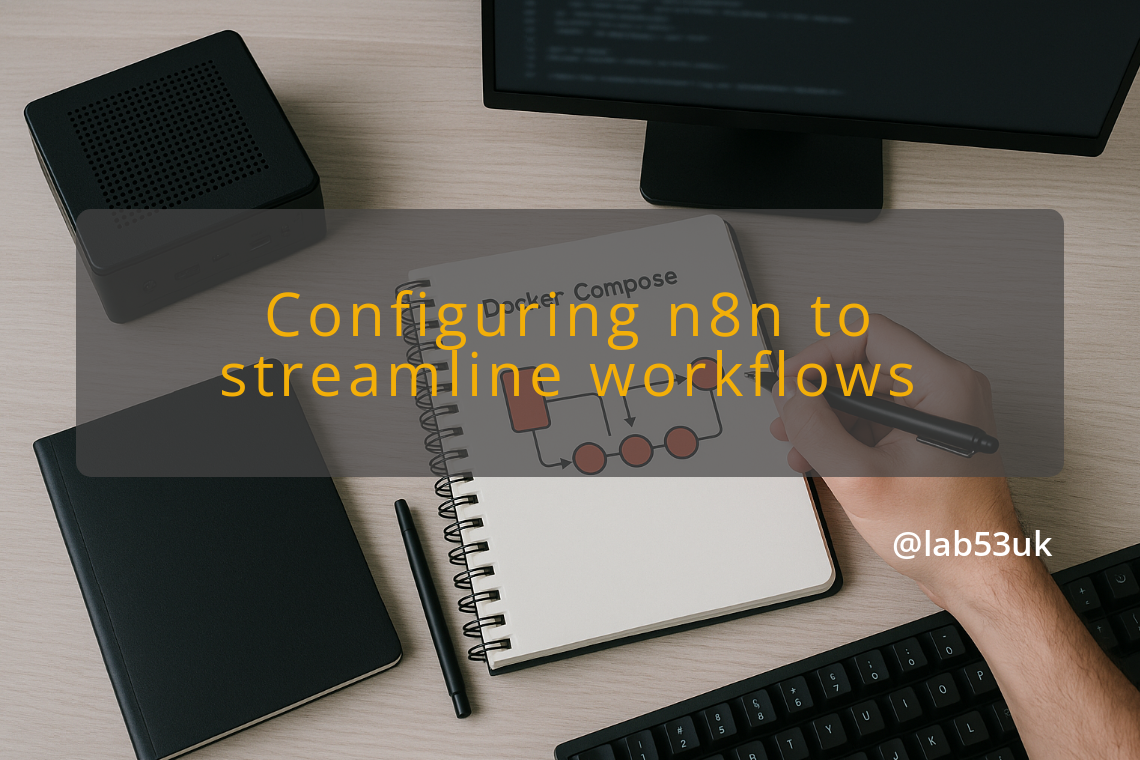
n8n configuration for reliable automations. Start with the official Docker image for a quick test. Make sure you secure access, enable persistence and schedule backups. Use Postgres in production, set a strong encryption key and protect webhooks with TLS and a reverse proxy.
SurfSense installation on Docker guides you to run a self-hosted AI agent on your machine. Get Docker running, use a named volume for persistent data, reserve ports 3000 and 8000, and start with one local LLM. Follow commands, watch logs, and verify the dashboard.
Learn how to set up a reliable DNS server for your home lab using minimal hardware and software. This guide provides step-by-step instructions for a seamless experience.
Unlock the full potential of your Intel N100 mini PC with Frigate and Amcrest PoE cameras. This detailed guide walks you through setup and optimization for efficient monitoring.
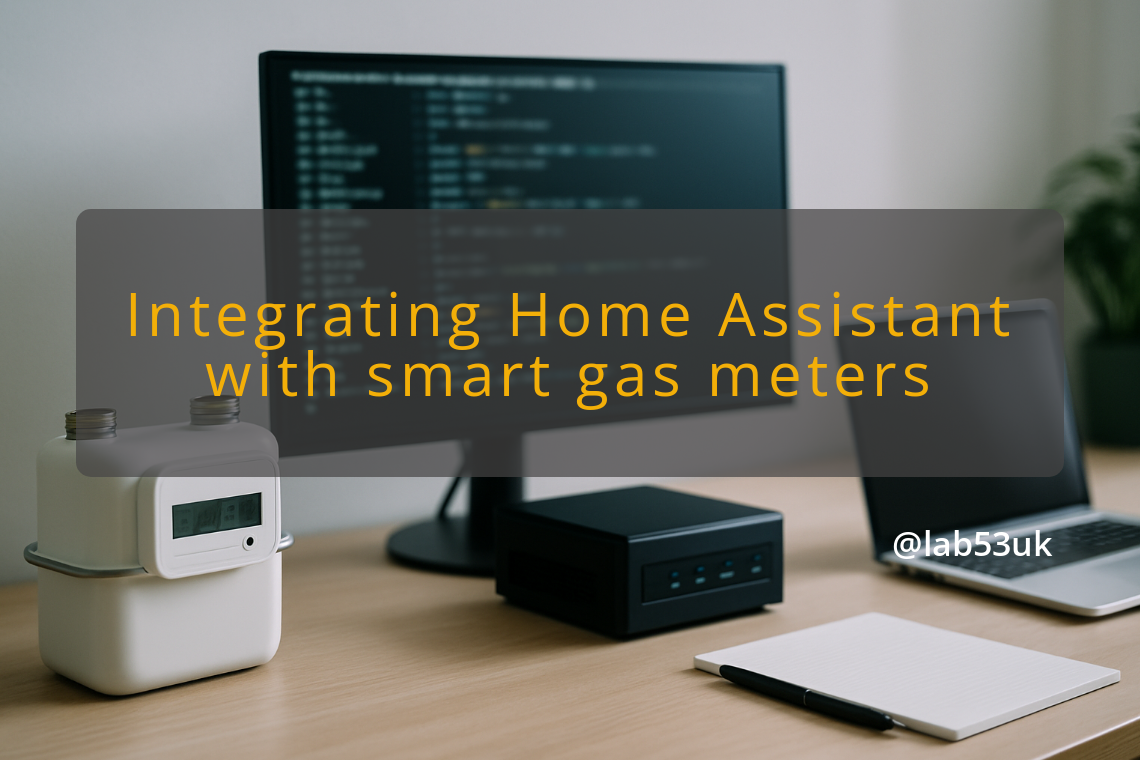
Check your meter label and paperwork before touching SDR gear. If your smart gas meter uses Wireless M‑Bus, start listening on 433 MHz and 868 MHz with rtl_433 or metermon and a tuned antenna. If radio fails, use a pulse reader, optical reader or vendor API and publish readings to Home Assistant via MQTT.
Circadian Lighting Automation in Home Assistant matches your lights to the day. Use tunable white bulbs, group lights, and set sunrise, sunset and midday triggers. Start with one room, test kelvin and brightness, and add a simple override so you can turn automation off when needed.
