Running n8n in your homelab without proper isolation is a liability. CVE-2025-68613 lets authenticated users execute code with container privileges; if that container sits on your default Docker network, lateral movement to Vaultwarden or PostgreSQL is trivial. I'll show you how to lock it down and recover cleanly when patching comes late.
Vendor lock-in creeps in quietly: a pinned cloud dashboard, a backup tool in a proprietary format, a reverse proxy config hardcoded to an IP nobody wrote down. By the time you need to migrate, the compose file is the only thing you trust, and even that can lie to you.
Log every AI action, store structured JSON events, and protect the audit trail so you can trace changes and roll them back. These practical steps make AI management in your homelab visible, reversible and secure.
Implement a Patch Management Strategy for your homelab by keeping an accurate inventory and prioritising updates for internet-facing and critical systems. Test updates in a sandbox, automate low-risk installs, use canary rollouts, and report outstanding critical CVEs weekly.
Prepare for Patch Tuesday by testing Secure Boot behaviour and power state transitions on your hosts before a broad rollout. Use a staged pilot, keep backups, and confirm BitLocker, Hyper-V and remote access remain stable after updates; monitor for recovery prompts, driver failures and login problems.

Discover how to implement robust age verification in your homelab while prioritising privacy and security. Explore tiered approaches to safeguard personal data effectively.
I run a homelab, and I test new tools before they stay on the shelf. An AI plan for a homelab should work the same way. Treat AI as something to measure, not a buzzword to collect. If you measure productivity gains before you spend heavily, you avoid chasing speculation and get real value from […]
Proxmox Datacenter Manager gives you a single interface to monitor and manage multiple Proxmox nodes and clusters in your homelab. You will find steps to deploy PDM on a VM or LXC, create API tokens, isolate a management network, and run multi-cluster live migrations.
Setting Up a Mini Rack: Essential Software Configurations for Your Homelab I use a Raspberry Pi 4B in a compact rack to run local file services. This guide walks through the software setup I use for SyncThing and vsFTP. It gives commands, config snippets and testing steps so you can copy and adapt the setup […]
Use Canva AI tools to generate layered, editable designs for your homelab. Create templates. Test layers. Automate exports. You keep designs editable and repeatable.

Configuring Your Homelab for the Future of Humanoid Robotics I set up my homelab so it bends around projects, not the other way round. That matters if you want to run local training jobs, prototype robot behaviours, or connect a home humanoid robot to existing automation. This guide walks through practical steps for homelab configuration […]
AI Misalignment can alter behaviour in your homelab without checks. This guide gives practical steps you can apply today. Contain models, block network access where possible, log prompts and responses, and run automated tests and manual reviews. Apply one containment change, then audit and repeat.

I run AI systems at home. I treat model introspection like a debugger, not magic. If a model claims to inspect its own steps, it still needs monitoring, logs and tests. The notes below show what to look for, how to prove where the problem sits, and the fixes that stopped the intermittent nastiness. Use […]

Talos Linux v1.11.5 is out with updates, contributor recognition, and new images. Check the release notes for binaries and report any issues.
AI-driven automation in a homelab I treat my homelab like a workshop. I try one idea, break it, and learn fast. AI-driven automation can save hours of repetitive fiddling. It can also make the same mistake over and over, just faster. Start with one safe task AI-driven automation means using models or smart rules to […]
Choosing between Proxmox and ESXi for virtual machines I built an SFF PC homelab and ran an ESXi box for eight years without a hypervisor crash. Now I am choosing between Proxmox and ESXi for a new SFF PC that will run about ten virtual machines, including WordPress, WireGuard, Home Assistant and a large personal […]
Unlock the power of your homelab by creating a versatile Ventoy USB drive. This guide walks you through hardware selection, setup, and testing for multi-boot functionality.

Unlock the full potential of your home lab with our guide to building a high-performance multi-gigabit setup using Omada gear. Streamline your Wi-Fi 7 for optimal performance!

Why I Chose Home Assistant for My Smart Home Setup and What I Learned Along the Way What you'll build: Home Assistant Overview of Home Assistant capabilities I
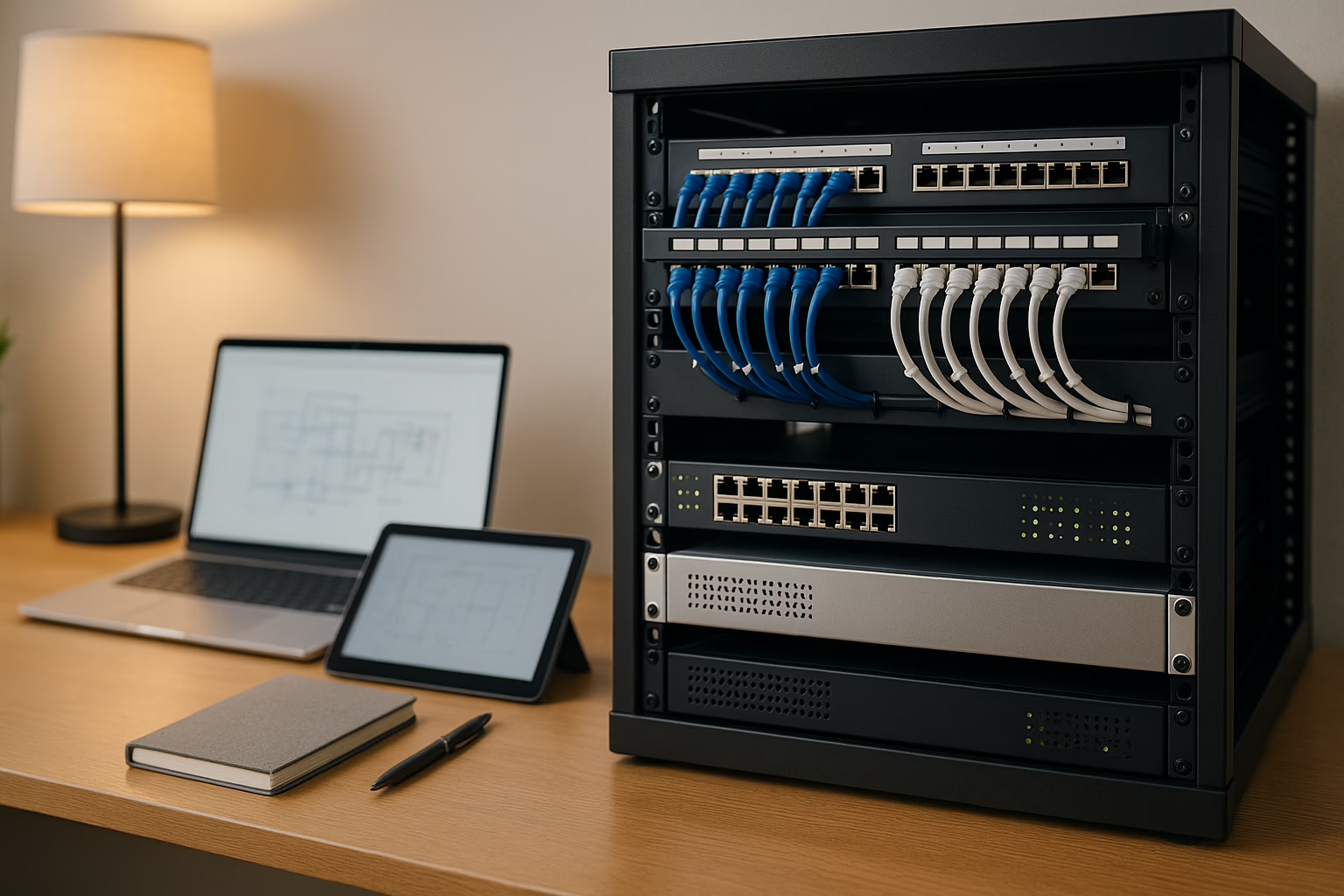
Efficiently documenting your homelab is essential for smooth operation and future growth. Discover key strategies and tools to streamline your documentation process effectively.

In today's data-driven world, self-hosting APIs offers organizations enhanced control and security over their digital assets, ensuring sensitive information stays protected.
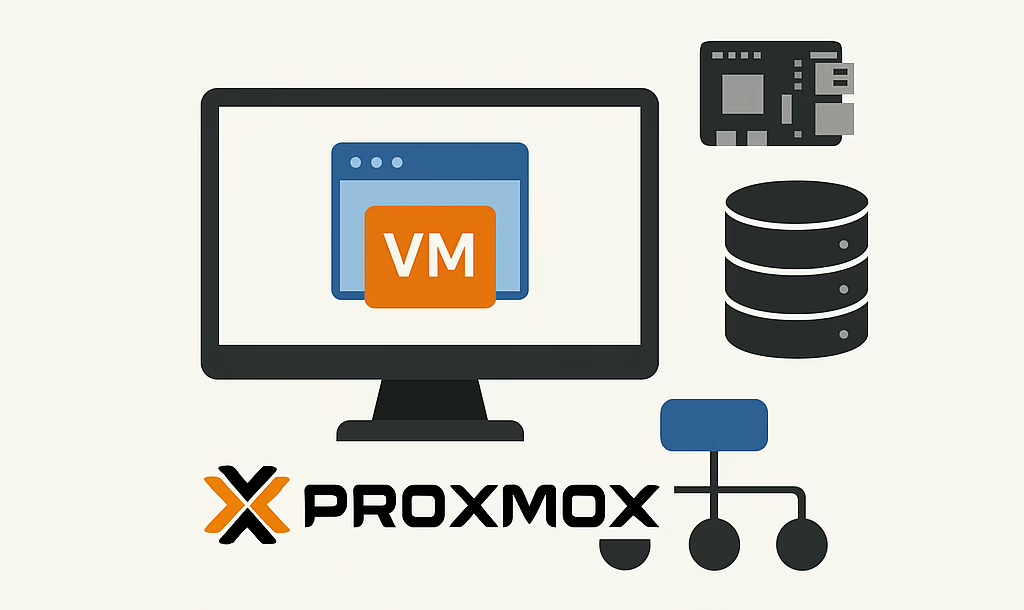
Explore the power of Proxmox VE in building a scalable and flexible homelab, a vital tool for IT professionals refining their practical skills.
