Migrating from VMware to Proxmox? This practical guide shows the Proxmox configuration choices that matter. You get step-by-step commands for KVM setup, network and VLAN mapping, storage imports, backup patterns and firewall rules. Use your checklist and verify restores to make the migration repeatable and auditable.
If you want a Bluetooth universal remote for a Moes Fingerbot, expect pairing issues. The Fingerbot uses Tuya BLE profiles, so most remotes will not pair. Use a Tuya/Moes Bluetooth gateway or Home Assistant with a Bluetooth dongle for reliable remote control and automation.
Your Zigbee network can suffer from 2.4GHz interference when nearby Wi‑Fi or Quinetic gear uses the same band. You can reduce dropouts by moving the coordinator away from metal and noisy devices. Set client devices to 5GHz, lock the 2.4GHz channel, and add mains-powered repeaters. Run tests and record timestamps to confirm fixes.
Start with the Raspberry Pi. Use a Pi 4 with 4 GB and an SSD. Flash Home Assistant OS, set a static IP and use Ethernet. Add a Zigbee coordinator for IKEA devices and a Matter/Thread controller for new kit. This guide covers Home Automation Protocols and clear setup steps.

I opened a Hubitat C8-Pro to see how private and secure it actually is. I wanted to get root, inspect files and services, and list practical fixes you can make yourself. This is a hands-on how-to, not theory. I focus on the steps I used, the hard facts I found, and short, concrete fixes you […]

Privacy concerns make cameras unsuitable in bedrooms and bathrooms. Non-visual home monitoring uses radar, depth and level-only audio to detect presence, falls and long inactivity without images. You can build a local, event-only system that ties into your smart home and keeps raw data off the cloud.
I use Packet Capture in Sophos Firewall WebAdmin every week. It is the quickest way to see what the firewall actually sees. This guide shows how I capture traffic on the appliance, download a PCAP and analyse it in Wireshark for network troubleshooting and security monitoring. I keep examples concrete so you can copy the […]
Sophos XGS126 firmware upgrade. Follow a clear checklist. Confirm your current firmware and SSD firmware. Back up your config twice off-box. Read release notes and follow required intermediate installs. Use console access, monitor boot logs and test VLANs, VPNs and real traffic after upgrade.
Troubleshooting PDQ Connect Package Installation Errors for Sophos XDR Client: A Detailed Guide I ran into this exact fault while packaging the Sophos XDR Client for PDQ Connect. The installer works when I run it at the command prompt with the –quiet switch, but the PDQ package fails. The PDQ deployment log shows the step […]

Facing firmware update errors on Sophos Home Edition? This guide offers practical troubleshooting steps to help you identify and fix common issues effectively.
Transitioning from Windows to Ubuntu can seem daunting. This guide simplifies essential Linux commands, covering navigation, permissions, and package management to ease your migration.
You can get solid Linux gaming performance with Proton on Ubuntu. Test with a live USB; install Steam, ProtonUp-Qt, drivers and Vulkan. Use gamemode and MangoHud to measure FPS, then tweak one setting at a time.
Discover how to efficiently build lead pipelines with n8n. This guide offers practical steps for data scraping, enrichment, verification, and cold emailing.
Unlock the secrets to user retention in open-source software like n8n. Discover actionable steps to enhance workflows, streamline onboarding, and boost community engagement today!
Set up MCP n8n automation with Docker. You will containerise your Claude client, an MCP server and n8n with docker-compose. Follow direct checks to confirm webhooks or the execution API trigger workflows and return results to Claude.
Integrating GitHub into your n8n workflows. You get commands to connect GitHub, store credentials and test triggers. Design small, testable flows. Handle errors and deploy safely. Use concrete examples you can copy to keep your automation running.
n8n configuration for reliable automations. Start with the official Docker image for a quick test. Make sure you secure access, enable persistence and schedule backups. Use Postgres in production, set a strong encryption key and protect webhooks with TLS and a reverse proxy.
SurfSense installation on Docker guides you to run a self-hosted AI agent on your machine. Get Docker running, use a named volume for persistent data, reserve ports 3000 and 8000, and start with one local LLM. Follow commands, watch logs, and verify the dashboard.
Learn how to set up a reliable DNS server for your home lab using minimal hardware and software. This guide provides step-by-step instructions for a seamless experience.
Unlock the full potential of your Intel N100 mini PC with Frigate and Amcrest PoE cameras. This detailed guide walks you through setup and optimization for efficient monitoring.
Check your meter label and paperwork before touching SDR gear. If your smart gas meter uses Wireless M‑Bus, start listening on 433 MHz and 868 MHz with rtl_433 or metermon and a tuned antenna. If radio fails, use a pulse reader, optical reader or vendor API and publish readings to Home Assistant via MQTT.
Circadian Lighting Automation in Home Assistant matches your lights to the day. Use tunable white bulbs, group lights, and set sunrise, sunset and midday triggers. Start with one room, test kelvin and brightness, and add a simple override so you can turn automation off when needed.
Home Assistant Automation: Build reliable automations with device triggers, blueprints and YAML. Use device_trigger and binary_sensor to cut CPU use. Test automations with the trace tool, keep your configs in Git, and prefer local integrations for faster, resilient behaviour.
I build Kubernetes clusters to survive real faults, not to win configuration contests. This guide shows what I do during Kubernetes setup to raise cluster resilience, and which common pitfalls I slide into if I rush. I keep advice concrete. Expect commands, numbers and specific configuration tips you can apply to your cluster. Read it, […]
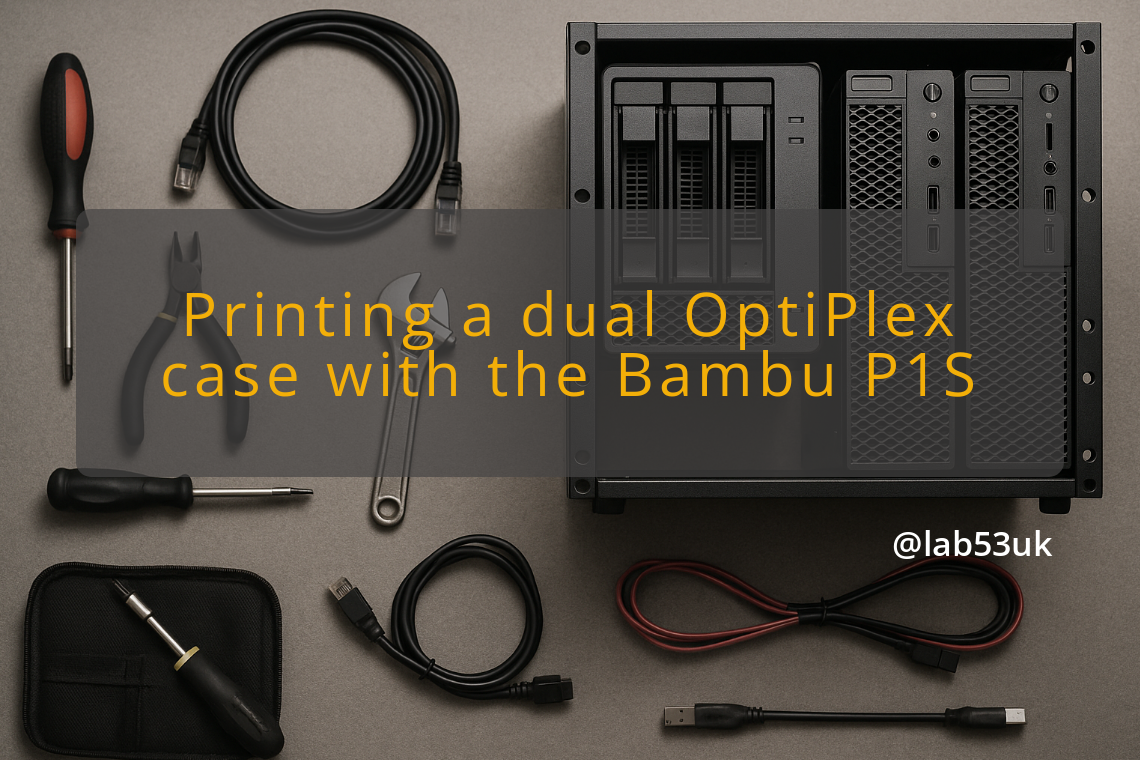
Dual OptiPlex Homelab: Print the case on a Bambu P1S in PETG-GF. Fit and wire two OptiPlex boards. You get print settings, cable management methods, cooling fixes and simple automation tips. Use them to build a neat, quiet homelab.
